DIST — Design, Installation, Support, Technology
Home
Services
Audiovisual & CollaborationConference Room AVVideo SystemsAudio SystemsControl & Automation
Managed IT & CloudManaged IT ServicesMicrosoft 365Cloud Solutions
Physical SecurityCCTV & SurveillanceAccess Control
Infrastructure & DeploymentLow-Voltage CablingNationwide Truck Rollouts
Projects
Locations
New York CitySouth Florida
Resources
BlogInsights & industry updatesPress & MediaNews coverage & features
Tools
TV Mounting Height CalculatorTV size and mounting heightLED Wall CalculatorWall size, pixel pitch and heightDigital Signage CalculatorMenu boards, retail and lobby screensConference Room TV CalculatorDisplay size by number of seats
AboutContact
(212) 206-0794
DIST

Design, Installation, Support and Technology — integrated AV, IT and security solutions for businesses.

Audiovisual

  • Conference Room AV
  • Video Systems
  • Audio Systems
  • Control & Automation

IT & Security

  • Managed IT Services
  • Microsoft 365
  • Cloud Solutions
  • CCTV & Surveillance
  • Access Control

Company

  • About
  • Projects
  • Contact
  • Client information
  • Vendor information

Contact

  • (212) 206-0794
  • info@dist.com
  • Mon–Fri 8:00 AM – 5:00 PM
  • 24/7 Help Desk Support
Ask AI about DISTGet an independent summary of who we are and what we do.
  • ChatGPT
  • Claude
  • Perplexity
  • Google AI
  • Grok
© 2026 DIST. All rights reserved.
  • Privacy Policy
  • Sitemap
Start a projectCall (212) 206-0794Email info@dist.com
DIST — Design, Installation, Support, Technology
Home
Services
Audiovisual & CollaborationConference Room AVVideo SystemsAudio SystemsControl & Automation
Managed IT & CloudManaged IT ServicesMicrosoft 365Cloud Solutions
Physical SecurityCCTV & SurveillanceAccess Control
Infrastructure & DeploymentLow-Voltage CablingNationwide Truck Rollouts
Projects
Locations
New York CitySouth Florida
Resources
BlogInsights & industry updatesPress & MediaNews coverage & features
Tools
TV Mounting Height CalculatorTV size and mounting heightLED Wall CalculatorWall size, pixel pitch and heightDigital Signage CalculatorMenu boards, retail and lobby screensConference Room TV CalculatorDisplay size by number of seats
AboutContact
(212) 206-0794
DIST

Design, Installation, Support and Technology — integrated AV, IT and security solutions for businesses.

Audiovisual

  • Conference Room AV
  • Video Systems
  • Audio Systems
  • Control & Automation

IT & Security

  • Managed IT Services
  • Microsoft 365
  • Cloud Solutions
  • CCTV & Surveillance
  • Access Control

Company

  • About
  • Projects
  • Contact
  • Client information
  • Vendor information

Contact

  • (212) 206-0794
  • info@dist.com
  • Mon–Fri 8:00 AM – 5:00 PM
  • 24/7 Help Desk Support
Ask AI about DISTGet an independent summary of who we are and what we do.
  • ChatGPT
  • Claude
  • Perplexity
  • Google AI
  • Grok
© 2026 DIST. All rights reserved.
  • Privacy Policy
  • Sitemap
Start a projectCall (212) 206-0794Email info@dist.com
Skip to content
DIST — Design, Installation, Support, Technology
Home
Services
Audiovisual & CollaborationConference Room AVVideo SystemsAudio SystemsControl & Automation
Managed IT & CloudManaged IT ServicesMicrosoft 365Cloud Solutions
Physical SecurityCCTV & SurveillanceAccess Control
Infrastructure & DeploymentLow-Voltage CablingNationwide Truck Rollouts
Projects
Locations
New York CitySouth Florida
Resources
BlogInsights & industry updatesPress & MediaNews coverage & features
Tools
TV Mounting Height CalculatorTV size and mounting heightLED Wall CalculatorWall size, pixel pitch and heightDigital Signage CalculatorMenu boards, retail and lobby screensConference Room TV CalculatorDisplay size by number of seats
AboutContact
(212) 206-0794
Home/Blog/AUDIO/VISUAL
AUDIO/VISUAL

Why Businesses Are Upgrading to Wireless Conference Microphones

Ryan HadleyRyan HadleyLV Project Designer/ Programmer at DISTPublished Jan 7, 2026

Table of contents

  • What Is a Wireless Conference Microphone System
  • Key Advantages of Wireless Conference Microphones
  • Mobility and Speaker Freedom
  • Reduced Table and Floor Clutter
  • Seamless Integration With AV Systems
  • Easy Scalability for Growing Teams
  • Choosing the Right Wireless Microphone Setup
  • Best Practices for Wireless Conference Microphone Deployment

Table of contents

  • What Is a Wireless Conference Microphone System
  • Key Advantages of Wireless Conference Microphones
  • Mobility and Speaker Freedom
  • Reduced Table and Floor Clutter
  • Seamless Integration With AV Systems
  • Easy Scalability for Growing Teams
  • Choosing the Right Wireless Microphone Setup
  • Best Practices for Wireless Conference Microphone Deployment

Modern meetings demand flexibility, clarity, and ease of use. As offices across South Florida adopt hybrid collaboration and advanced AV setups, wired microphones are quickly becoming a limitation. Wireless conference microphones are transforming how teams communicate by removing physical constraints and improving overall meeting efficiency.

Businesses are choosing wireless solutions not only for convenience but also for consistent audio quality, cleaner conference room design, and faster meeting startup times. When paired with professional AV planning, wireless microphones create a more natural and productive meeting environment.

What Is a Wireless Conference Microphone System

A wireless conference microphone system uses radio frequency or digital wireless technology to transmit audio from microphones to conferencing hardware without physical cabling. These systems are designed for boardrooms, training rooms, and collaboration spaces where flexibility and scalability are essential.

Wireless microphones integrate seamlessly with meeting room microphone system designs, video bars, DSP processors, and unified communication platforms. This allows teams to maintain clear voice pickup regardless of room layout or seating changes.

Key Advantages of Wireless Conference Microphones

Mobility and Speaker Freedom

A properly deployed wireless conference microphone allows presenters to move freely while maintaining consistent audio quality. Presenters and participants can move naturally without worrying about cable length or microphone placement. This is especially valuable in training rooms and collaborative workshops where movement improves engagement.

Reduced Table and Floor Clutter

Removing cables creates a cleaner, more professional conference room appearance. This also reduces setup time and eliminates common issues like loose connections or damaged cables.

Wireless systems pair well with modern conference room technology and minimalist table designs.

Seamless Integration With AV Systems

Wireless microphones work smoothly with video conferencing platforms, DSP processors, and display systems. When installed as part of professional AV solutions South Florida businesses rely on, they ensure audio remains synchronized with video and free from interference.

Easy Scalability for Growing Teams

As conference rooms expand or seating layouts change, wireless microphones can be added without rewiring walls or tables. This makes them ideal for fast growing companies and flexible office environments.

Scalability is especially important when planning long term meeting room microphone system upgrades.

Choosing the Right Wireless Microphone Setup

Not every conference room requires the same microphone configuration. Factors such as room size, ceiling height, table layout, and meeting style all influence the ideal setup.

For some spaces, ceiling microphones provide broad coverage, while others benefit from tabletop wireless units.

Proper microphone selection also works best when paired with correct camera angles and speaker tracking.

Best Practices for Wireless Conference Microphone Deployment

  • Plan microphone coverage before installation
  • Ensure wireless frequencies avoid interference
  • Integrate microphones with DSP processing
  • Test audio pickup in real meeting conditions
  • Design the system for future expansion

Following these practices ensures wireless microphones deliver consistent clarity across all meeting types.

If your meetings suffer from poor audio or restrictive wired setups, contact Support305 for a free consultation. Our team delivers wireless USB microphone for conference room solutions and complete AV system design across South Florida to create clearer, more productive meetings.
Explore More Blogs

Discover more insights and tips from our latest articles

ImgCONFERENCEDec 22, 2025

The Best Sound System for Conference Rooms and How to Choose the Right One

A reliable conference room sound system ensures every voice is clear and eliminates audio dropouts, making meetings smooth and professional. Learn what to look for when choosing the best setup.

Ryan HadleyRyan HadleyLV Project Designer/ Programmer at DISTRead article
Digital Signage in Conference Room with Audio & Video in SyncAUDIO/VISUALNov 14, 2025

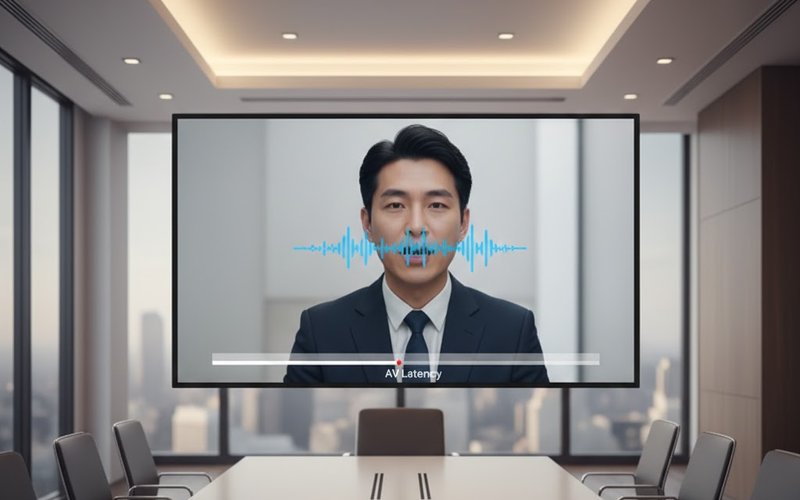
Understanding AV Latency and How to Keep Audio & Video in Sync

AV latency happens when audio and video fall out of sync. Learn what causes lip sync delay in meetings and how to fix timing issues for smooth, real time communication.

Ryan HadleyRyan HadleyLV Project Designer/ Programmer at DISTRead article
ImgCONFERENCEDec 17, 2025

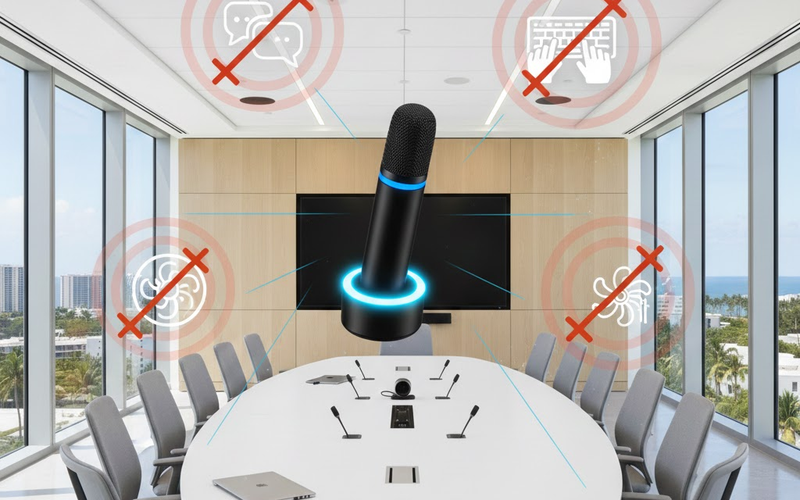
How Background Noise Suppression Enhances Conference Room Audio

Noise suppression removes unwanted sounds like typing, AC hum, and hallway chatter to improve clarity in hybrid meetings.

Ryan HadleyRyan HadleyLV Project Designer/ Programmer at DISTRead article
DIST

Design, Installation, Support and Technology — integrated AV, IT and security solutions for businesses.

Audiovisual

  • Conference Room AV
  • Video Systems
  • Audio Systems
  • Control & Automation

IT & Security

  • Managed IT Services
  • Microsoft 365
  • Cloud Solutions
  • CCTV & Surveillance
  • Access Control

Company

  • About
  • Projects
  • Contact
  • Client information
  • Vendor information

Contact

  • (212) 206-0794
  • info@dist.com
  • Mon–Fri 8:00 AM – 5:00 PM
  • 24/7 Help Desk Support
Ask AI about DISTGet an independent summary of who we are and what we do.
  • ChatGPT
  • Claude
  • Perplexity
  • Google AI
  • Grok
© 2026 DIST. All rights reserved.
  • Privacy Policy
  • Sitemap
Start a projectCall (212) 206-0794Email info@dist.com